CMS Select
Dynamically populate select fields with options from your CMS lists. Streamline form management and updating.
Copy the CMS Select <script> and paste into the <head> of your page.
<!-- [WebTricks by CodeRaccoons] - CMS Select -->
<script async src="https://cdn.jsdelivr.net/gh/TheCodeRaccoons/WebTricks@1/Dist/WebflowOnly/CMSSelect.min.js"></script>Required attributes
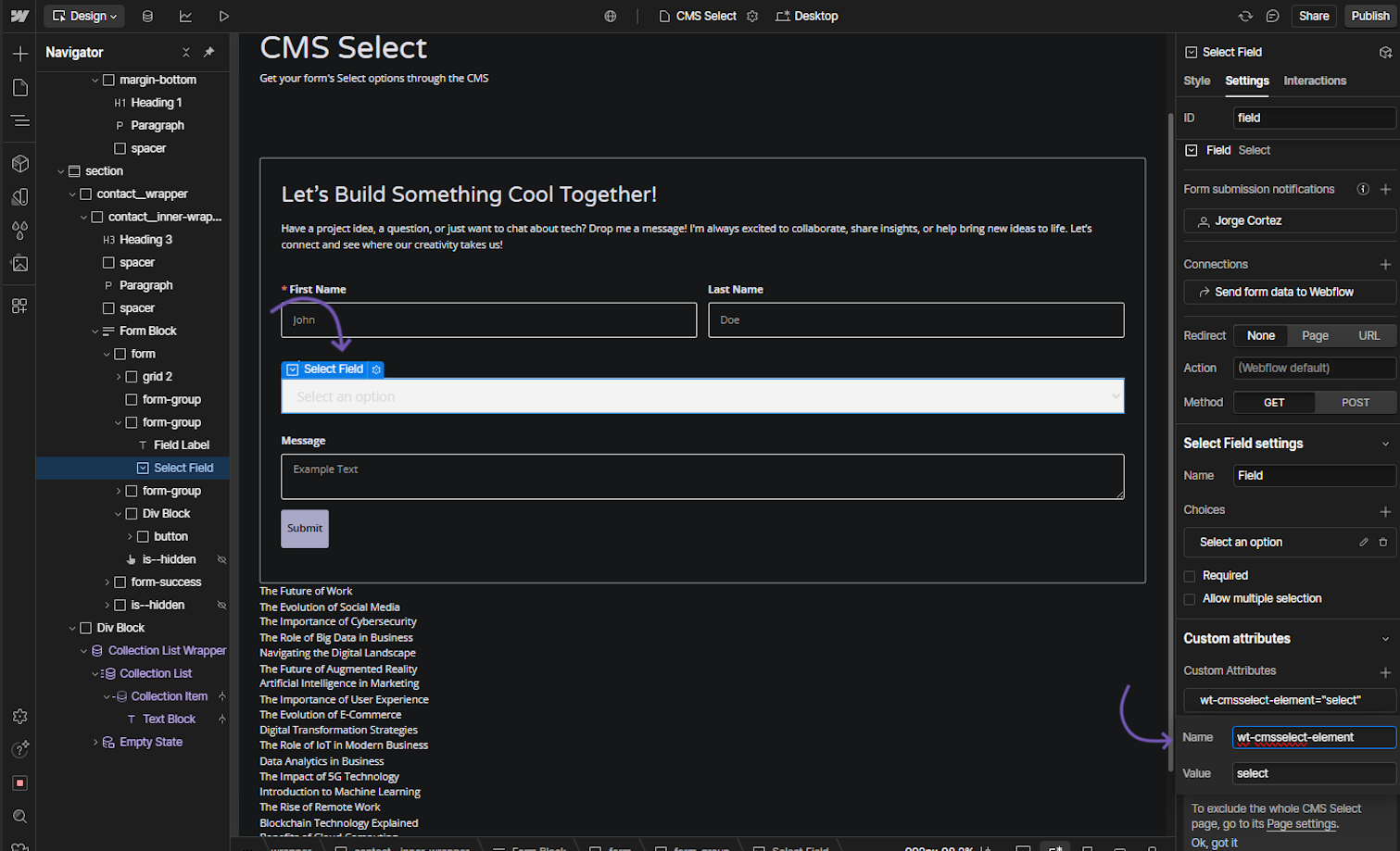
CMS Select - Select Element
Attribute to add
wt-cmsselect-elementselect-{index}Instructions
Assign this attribute to the select element where options will be dynamically added. The index will be based on the number of CMS Selects needed in the page. (e.g. select for the first, select-2 for the second, select-3 for the third and so on).
I want this Select element to be populated dynamically from CMS options.
Select element
How does it look?
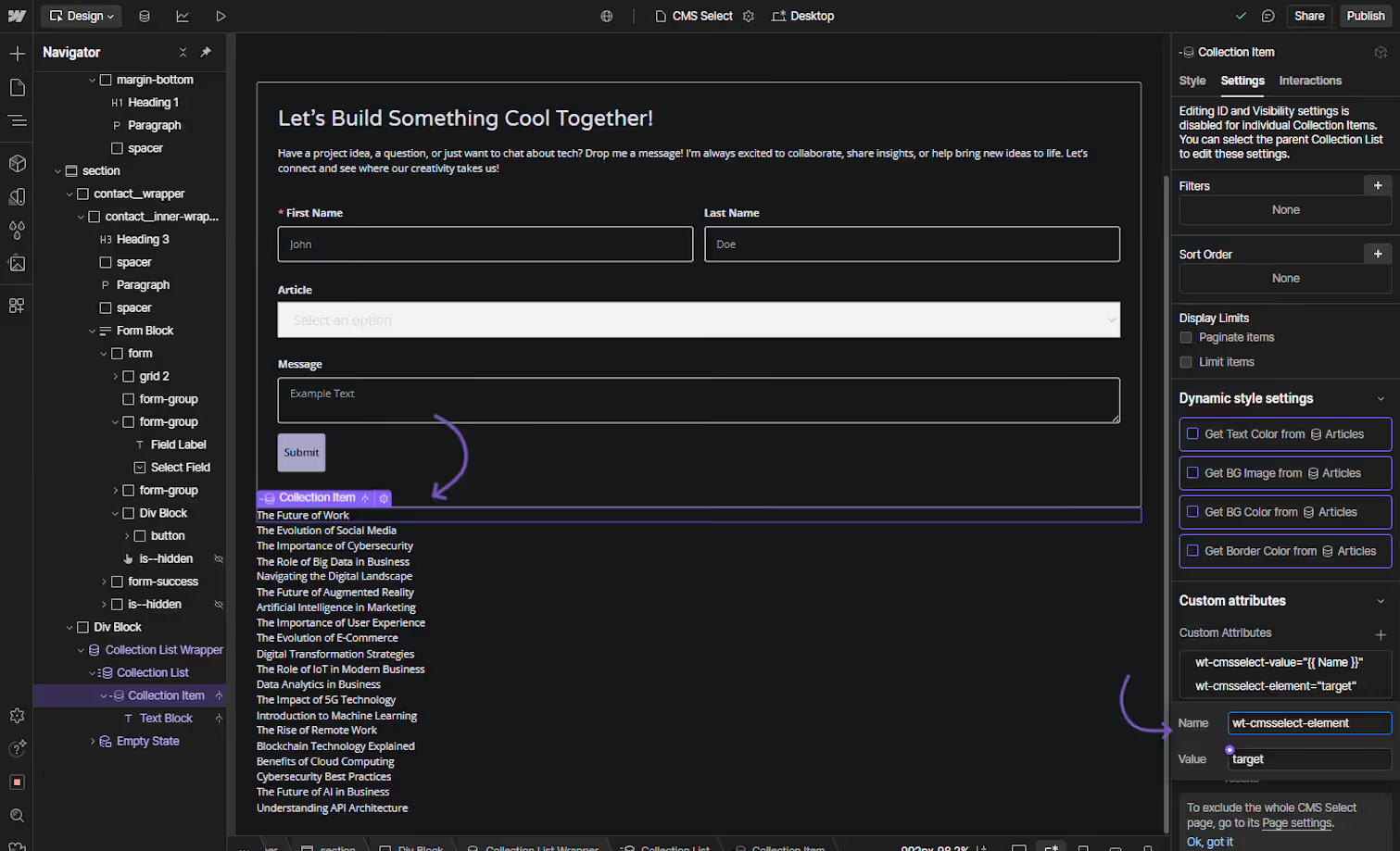
CMS Select - Option Element
Attribute to add
wt-cmsselect-elementtarget-{index}Instructions
Assign this attribute to the elements containing the data for the select options. The index will be based on the number of CMS Selects needed in the page. (e.g. target for the first, target-2 for the second, target-3 for the third and so on).
How does it look?
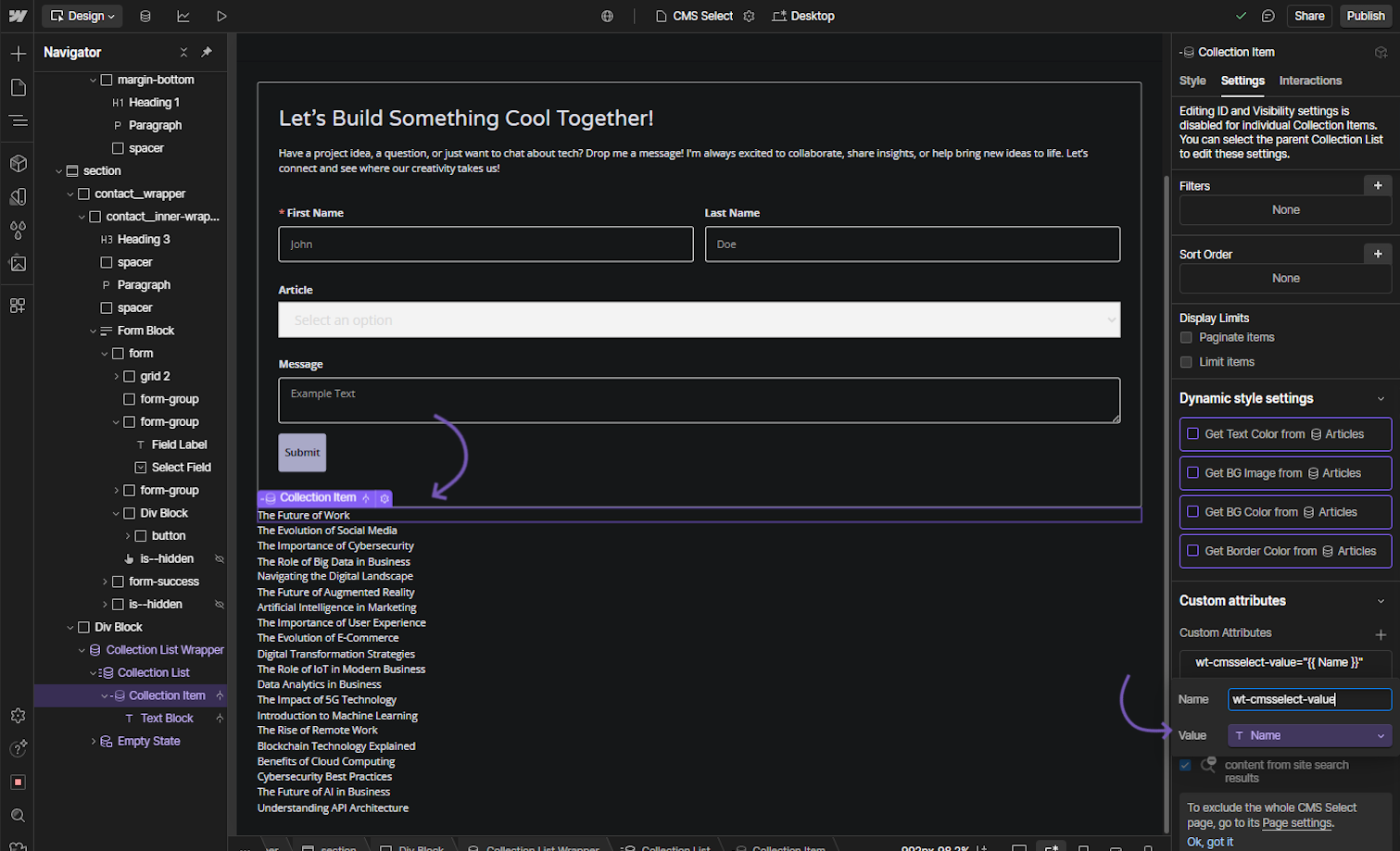
CMS Select - Option Value
Attribute to add
wt-cmsselect-value{Value}Instructions
Set this attribute to specify the value for each dynamically created option.
I want this attribute to define each option's value in the select.
Target elements
How does it look?