Copy to Clipboard
Add copy-to-clipboard functionality to any element. Let users easily copy text or code snippets with a click.
Copy the Copy to Clipboard <script> and paste into the <head> of your page.
<!-- [WebTricks by CodeRaccoons] - Copy to Clipboard -->
<script async src="https://cdn.jsdelivr.net/gh/TheCodeRaccoons/WebTricks@1/Dist/Functional/CopyToClipboard.min.js"></script>Required attributes
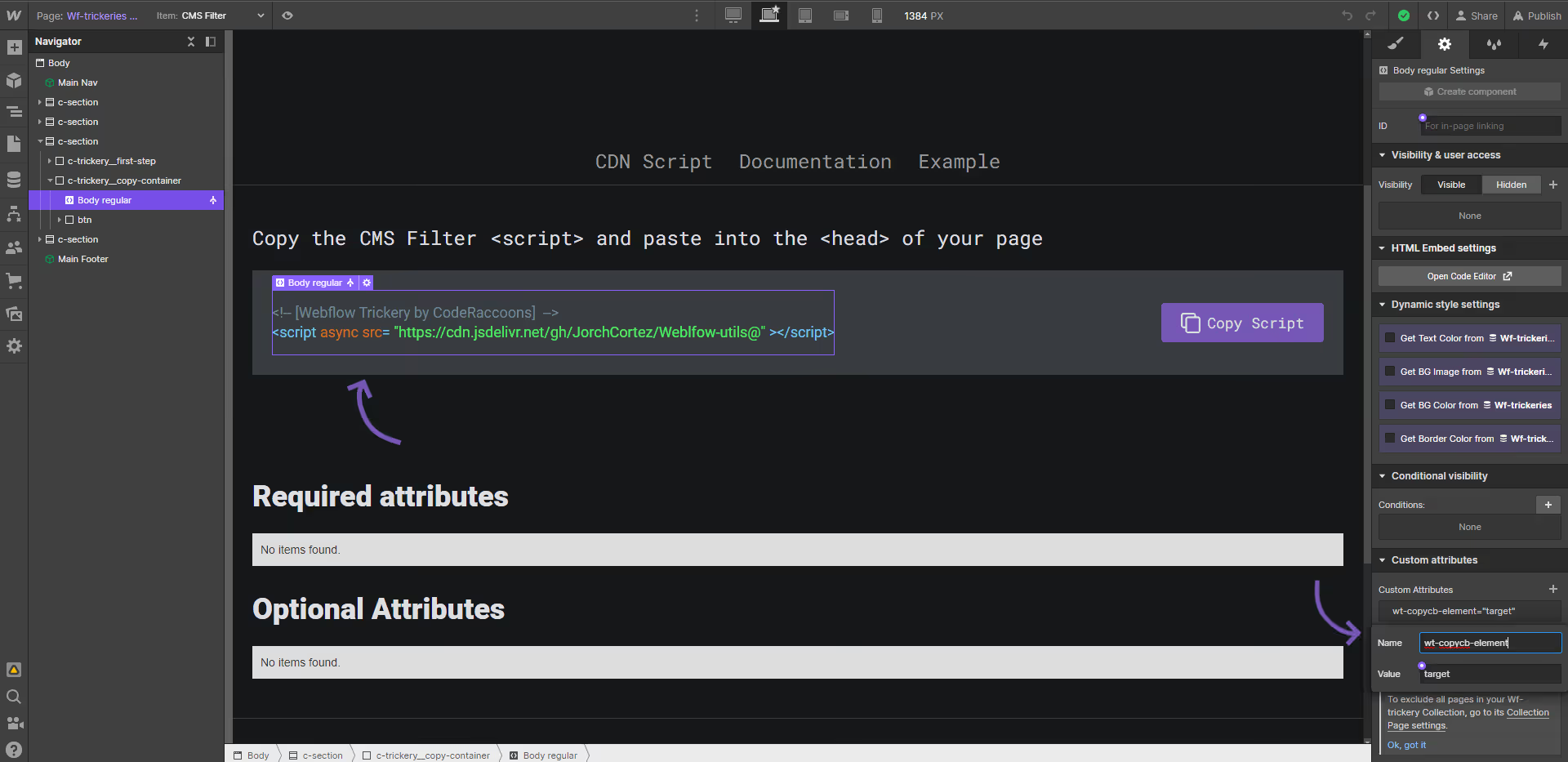
ctc copy element text target
Attribute to add
wt-copycb-elementtargetInstructions
Add this to the element that has the text that you want to get copied, please note that this functionality will only copy the text that is within this element.
How does it look?
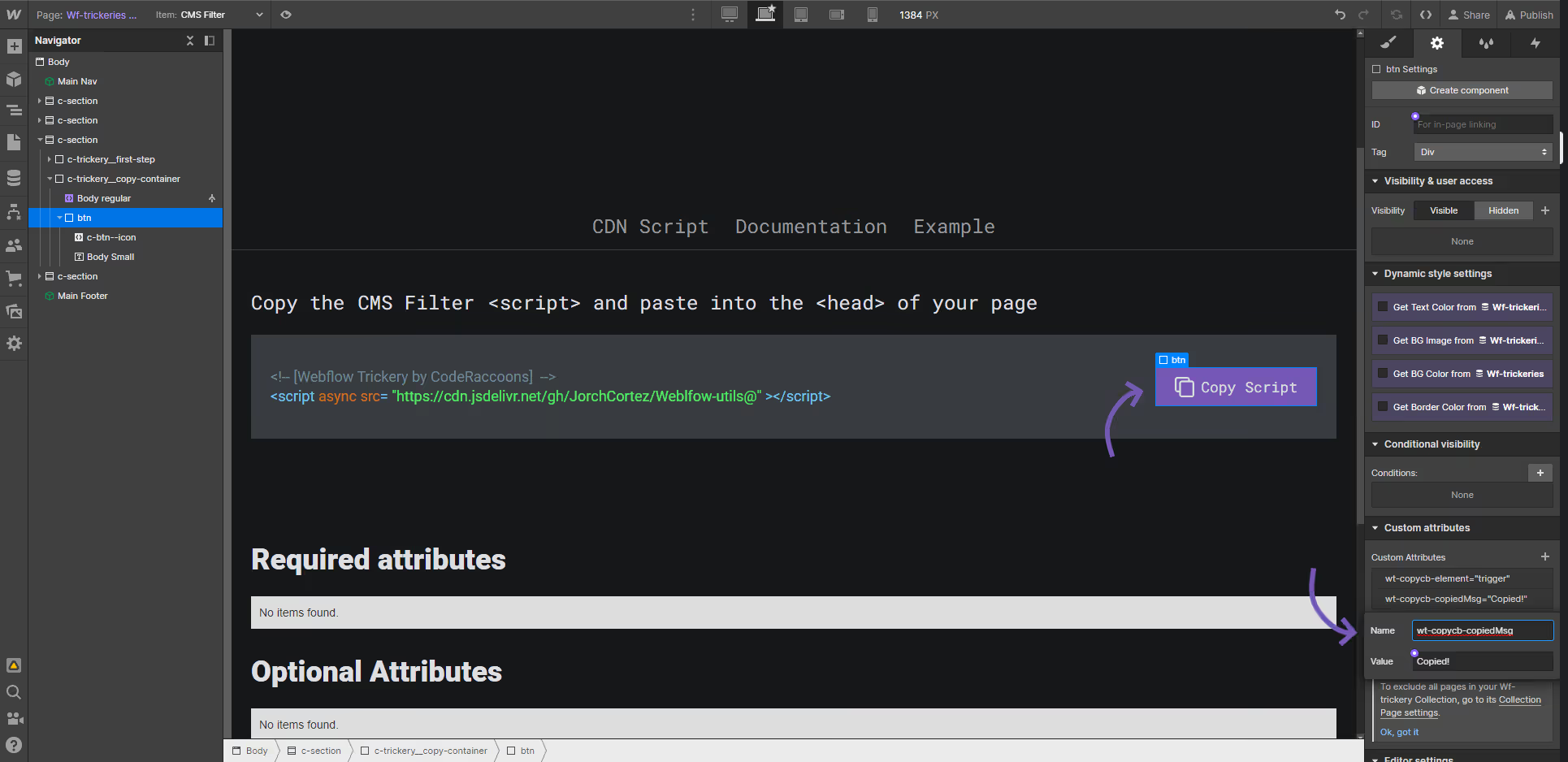
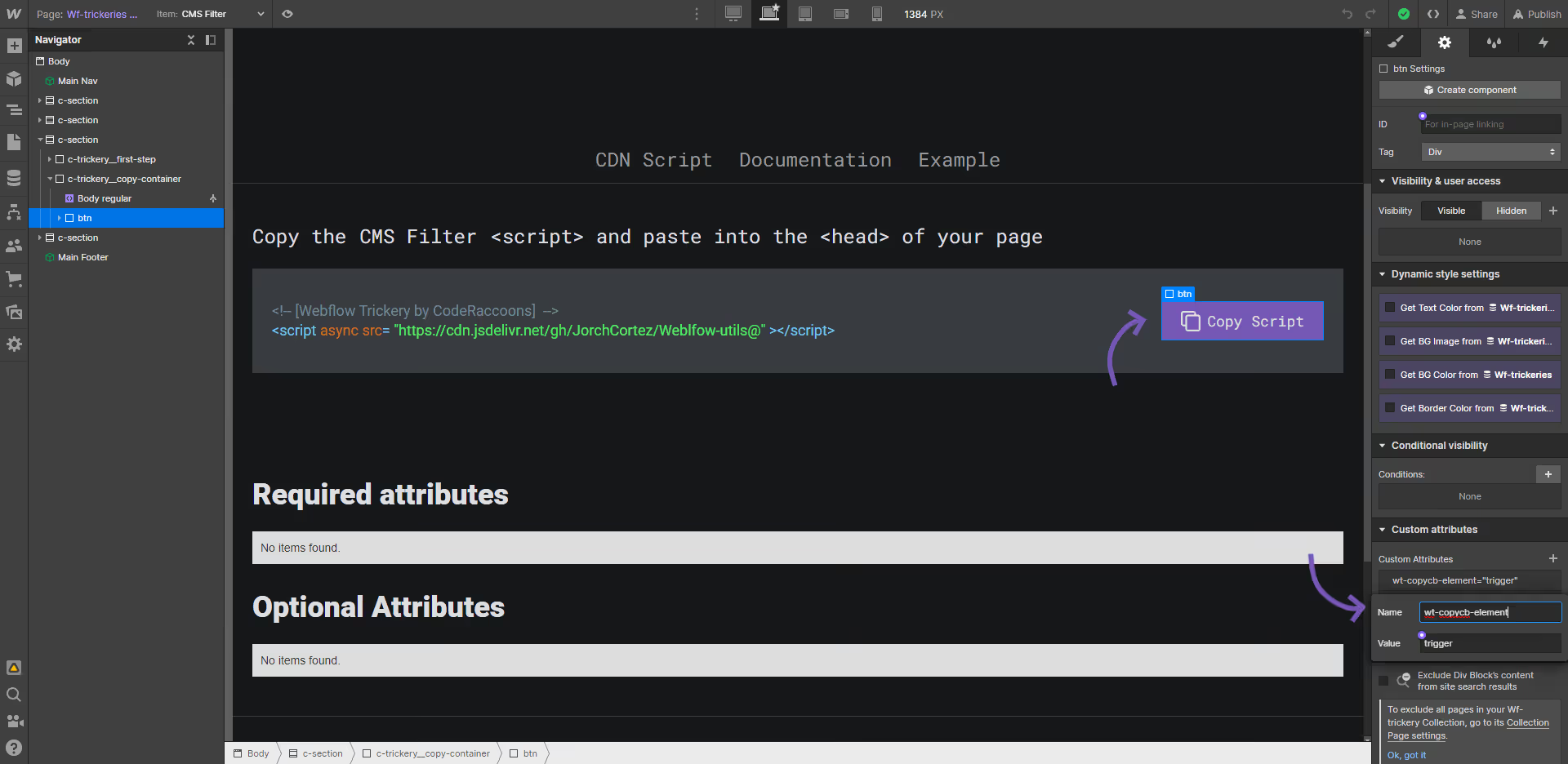
ctc trigger element
Attribute to add
wt-copycb-elementtriggerInstructions
This does not have a default functionality, it should be set along with a target attribute to work.
How does it look?
Optional attributes
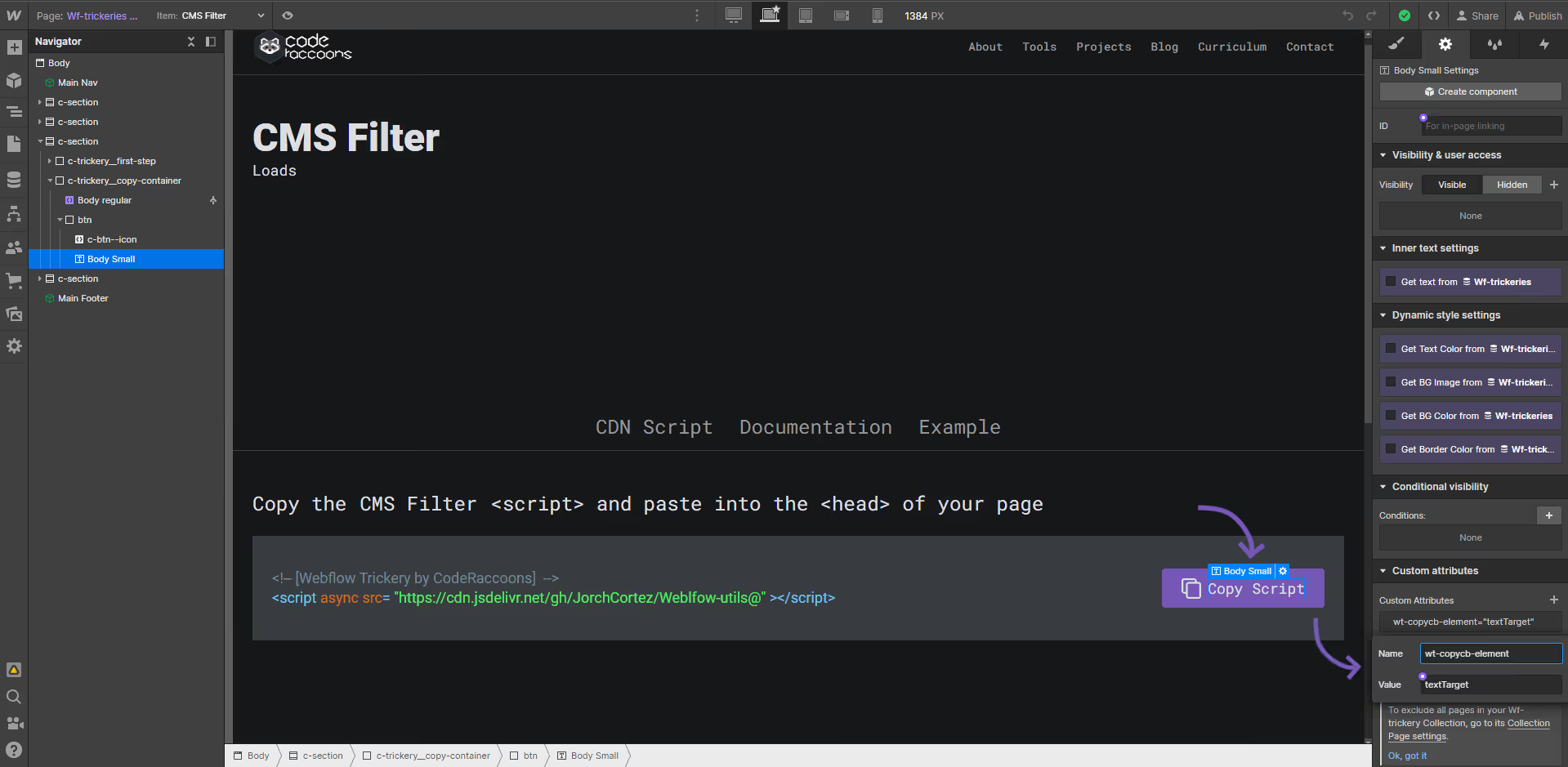
Optionalctc copied message text target
Attribute to add
wt-copycb-elementtexttargetInstructions
When using the Copy to Clipboard functionality you can select an element to show a message, add this attribute to the text that you want to display this text change
How does it look?
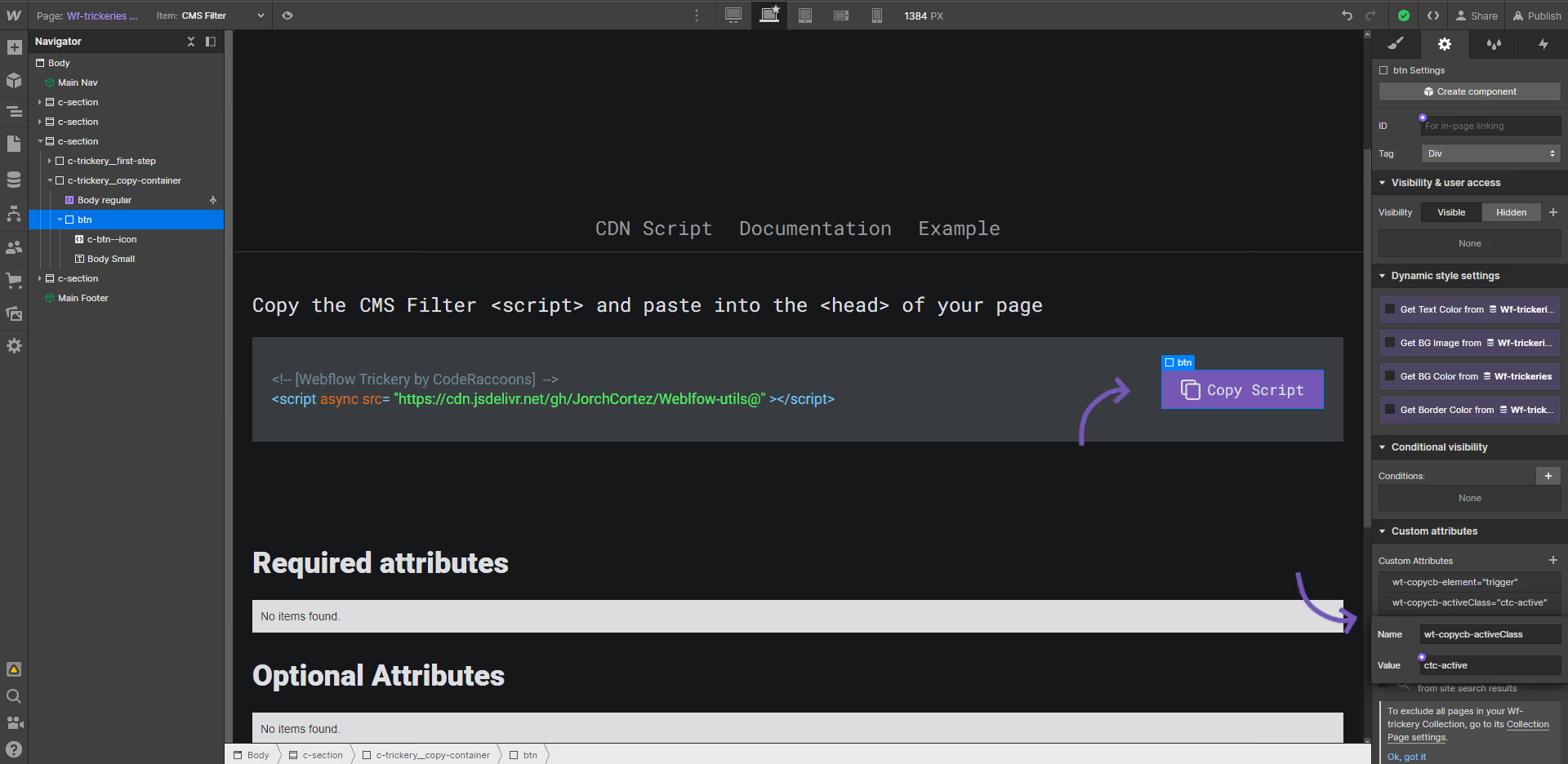
Optionalctc active class
Attribute to add
wt-copycb-activeclassnameInstructions
Add a class to change the style of the trigger element when the content is copied.
How does it look?
Optionalctc copied message
Attribute to add
wt-copycb-messageCopied!Instructions
Replaces the message to show the element got copied to clipboard,
How does it look?