Tooltip
Add interactive, customizable tooltips to any element. Enhance user experience with helpful information on hover.
Copy the Tooltip <link> and paste into the <head> of your page.
<!-- [WebTricks by CodeRaccoons] - Tooltip -->
<link rel="stylesheet" href="https://cdn.jsdelivr.net/gh/TheCodeRaccoons/WebTricks@1/Dist/Functional/Tooltip.min.css">Required attributes
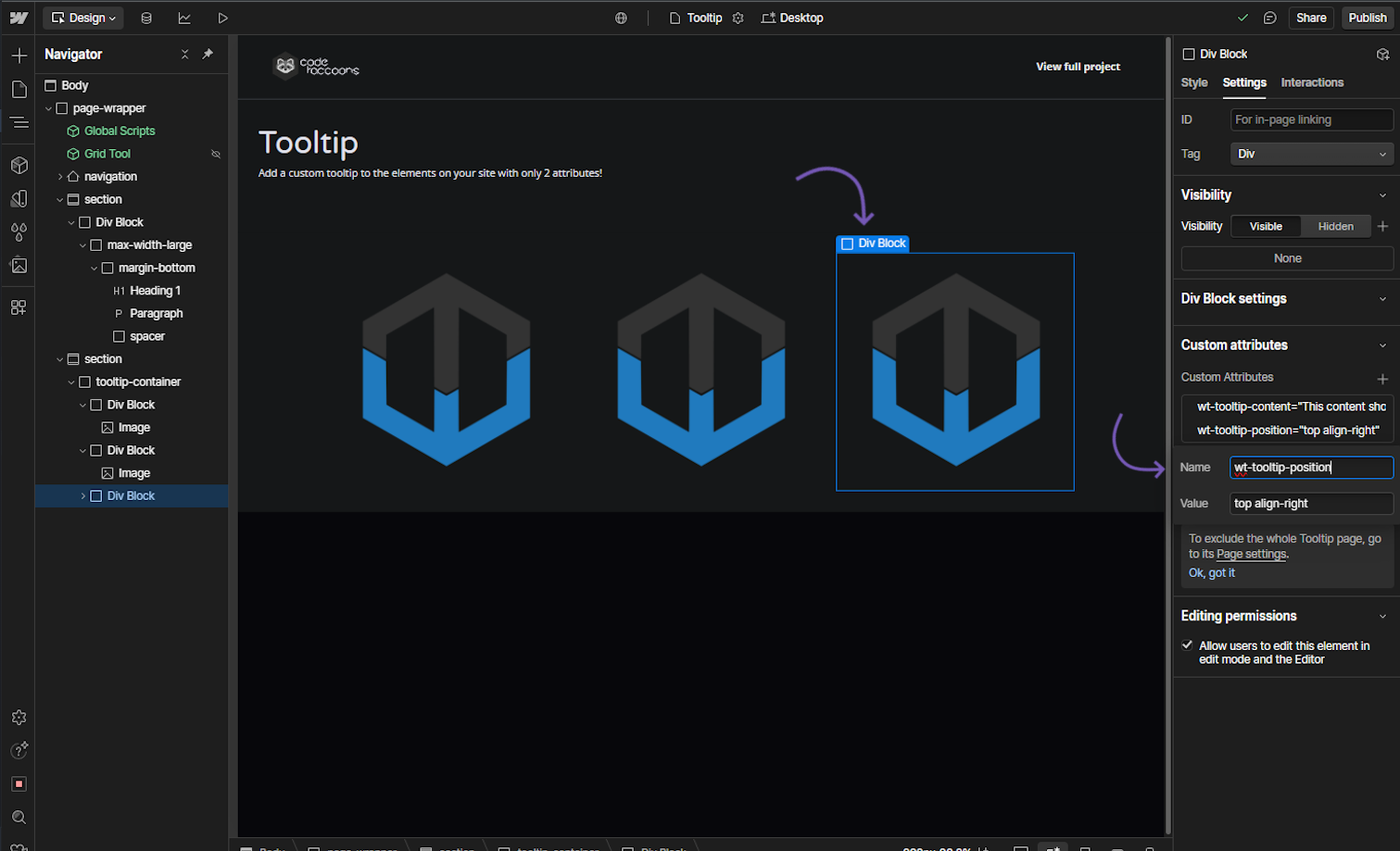
tooltip content
Attribute to add
Name
wt-tooltip-contentValue
{Tooltip text}Instructions
The content within this attribute will be the text displayed by the tooltip.
How does it look?
Optional attributes
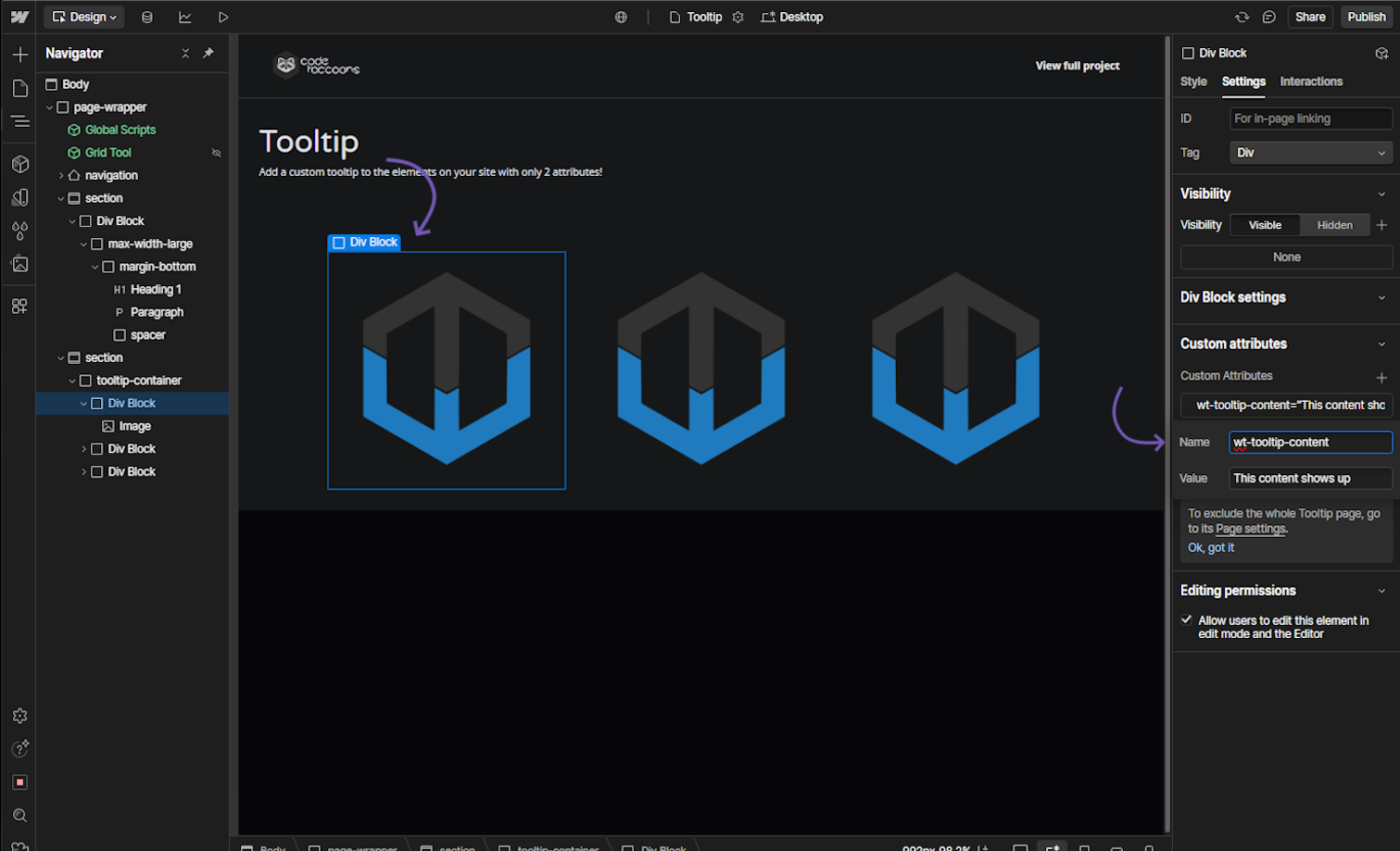
Optionaltooltip position
Attribute to add
Name
wt-tooltip-positionValue
{position}Instructions
This attribute can have the following combinations:
- align-right
- align-left
- bottom
align-left - bottom
align-right
How does it look?